On the LEAD Administration screen, select View  for the Execute SQL Queries or Actions option to see the SQL Usage Disclaimer screen.
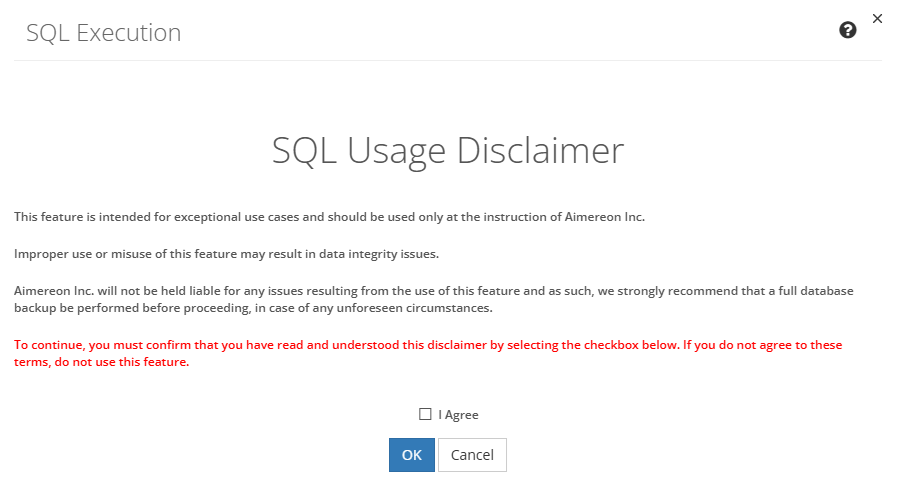
Figure 467: SQL Usage Disclaimer Screen
On this screen, select the I Agree checkbox to acknowledge the disclaimer and proceed to the Input your SQL screen, or select Cancel to return to the LEAD Administration screen.
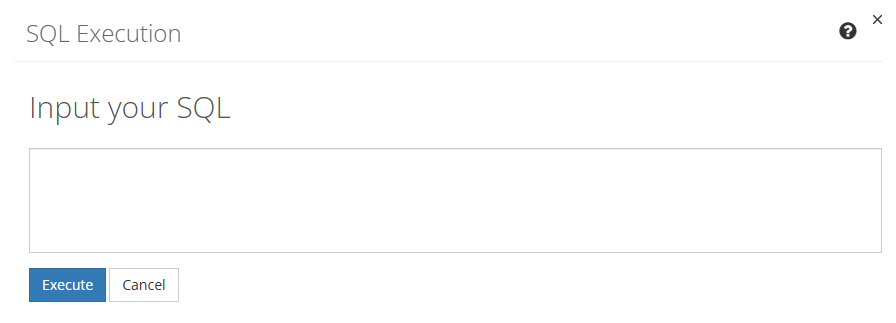
Figure 468: SQL Input Screen
Enter the SQL provided by Aimereon, Inc., then select Execute to see the results, or select Cancel to return to the LEAD Administration screen.
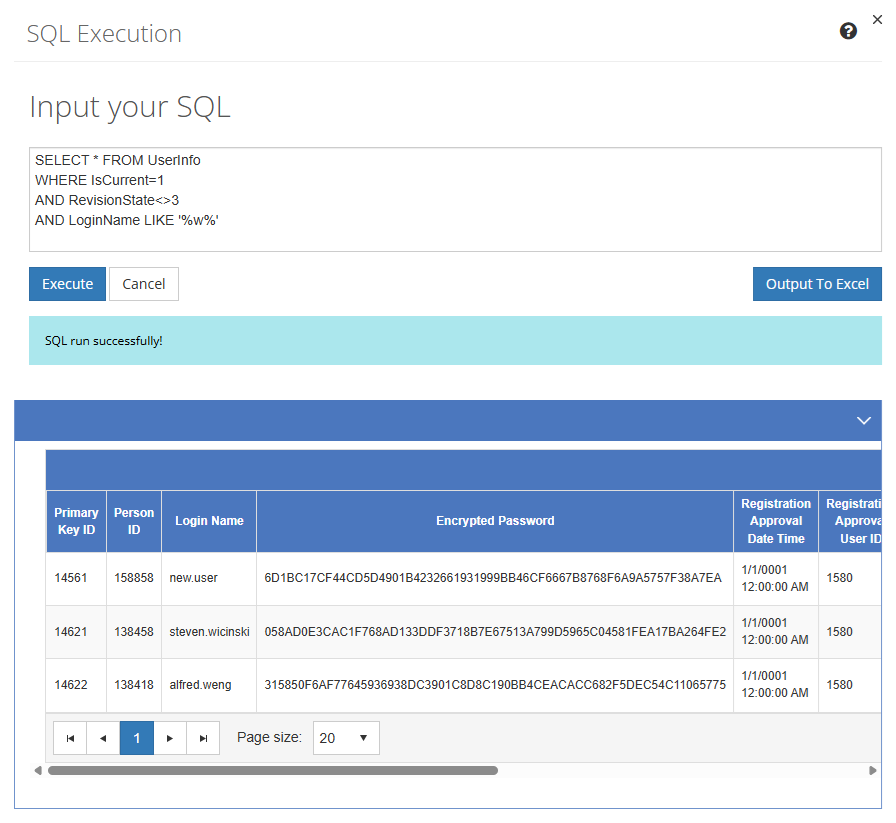
Figure 469: SQL Execution Screen
If the SQL you entered was correct, the results of your query or action is displayed underneath the query on the screen. Select the Output to Excel button to generate a spreadsheet with the results of your query or action.
You can edit your SQL to Execute another query or action, or select Cancel to return to the LEAD Administration screen.